Screens can be fun and helpful, but children under 10 still need simple, repeatable rules to stay safe. This guide gives clear online safety rules you can use at home or in school, plus calm conversation prompts that help children build good habits without fear.
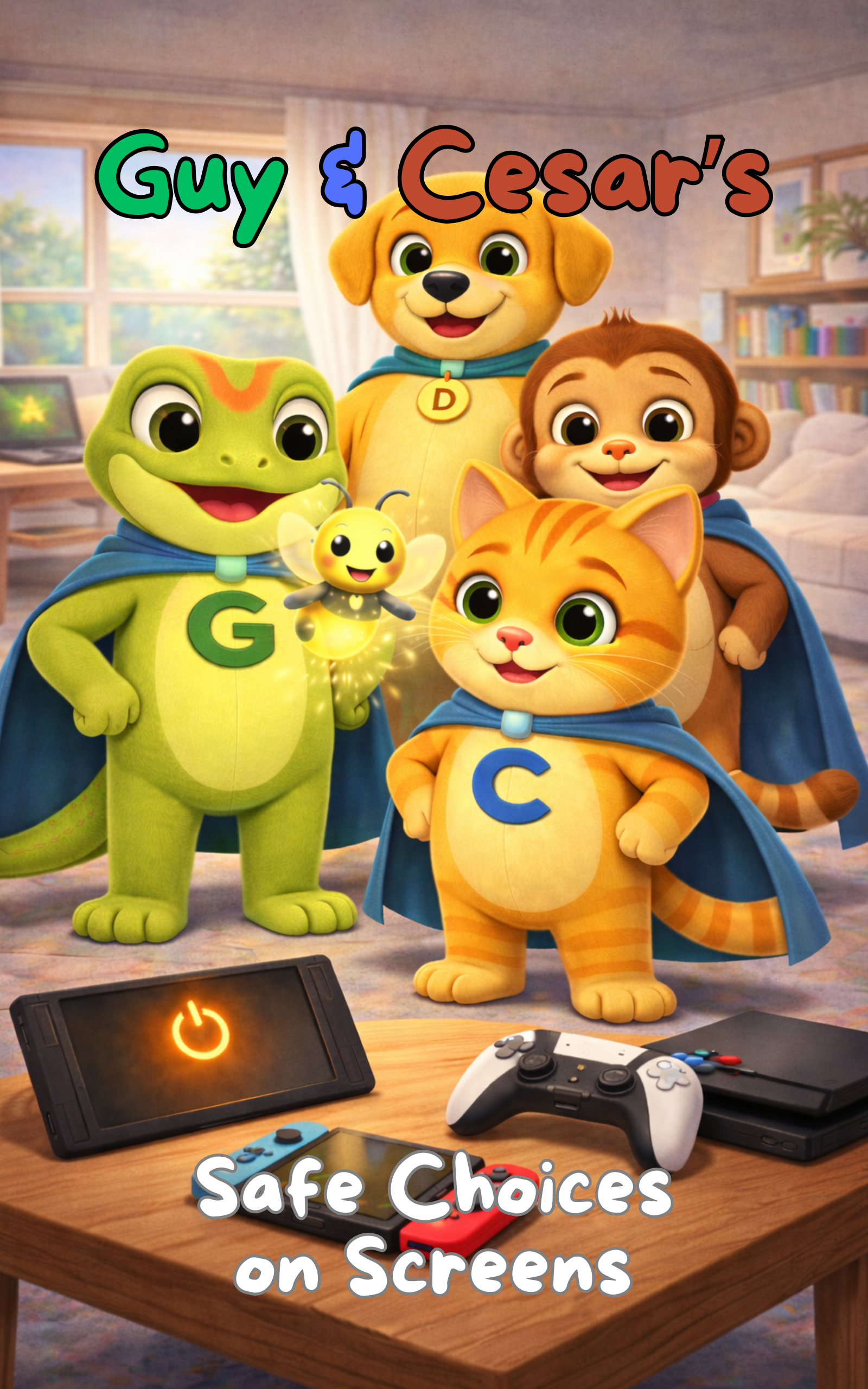
If you want a child-friendly story that supports these lessons, see Guy & Cesar’s Safe Choices on Screens. If you want a structured adult resource with guidance, observation tools, and next steps, you can download the Safe Choices on Screens Adult Toolkit Pack.
This guide supports Guy & Cesar’s Safe Choices on Screens storybook and the matching Adult Toolkit Pack, designed for parents, carers, and schools. If you want a structured way to teach these rules with child-friendly language, discussion prompts, and practical steps, start here: Safe Choices on Screens (storybook) and Safe Choices on Screens Adult Toolkit Pack.
What “Online Safety” Means for Under-10s
For younger children, online safety is not about complicated settings. It’s about habits:
• Asking before clicking
• Knowing what to do if something feels wrong
• Not sharing personal information
• Stopping and telling a trusted adult
Rule 1: Always Ask a Trusted Adult Before Downloading or Clicking New Links
Children under 10 are curious. That’s normal.
Your rule can be:
“Before you click something new, you ask.”
Say this:
“If you’re not sure what it is, you pause and ask me.”
Rule 2: Never Share Personal Information
Keep the rule simple and consistent.
Personal information includes:
• Full name
• School name
• Home address
• Phone number
• Photos that show uniforms, street signs, or locations
• Passwords
Say this:
“Online, we keep private information private — even if someone seems friendly.”
Rule 3: Use Only Approved Apps, Games, and Videos
Under-10s don’t need endless platforms.
They need fewer, safer spaces.
Set a rule like:
“We only use apps and games that we choose together.”
Tip:
Make a short list of approved apps and keep it the same across devices where possible.
Rule 4: No Private Messaging With Strangers
Children often think “stranger” means someone scary.
Online, strangers can look friendly.
Simple rule:
“We don’t chat privately with people we don’t know in real life.”
Say this:
“If someone you don’t know messages you, you show me straight away.”
Rule 5: If Something Feels Weird, Stop, Close It, and Tell
This is the most important safety habit.
Teach a simple 3-step response:
-
Stop
-
Close the screen
-
Tell a trusted adult
Say this:
“You won’t get in trouble for telling me. I’m proud when you tell me.”
Rule 6: Screens Stay in Shared Spaces
For younger children, the safest default is visibility.
Rule:
“Screens are used in shared spaces, not alone behind closed doors.”
This supports supervision without making it feel like spying.
Rule 7: Set a Simple Time Boundary
Time boundaries protect sleep, mood, and behaviour.
Examples:
• No screens during meals
• Screens off 60 minutes before bed
• Screen time ends when the timer ends
Say this:
“The timer is the rule — not you and me arguing.”
Rule 8: Teach “Kind Online Behaviour”
Even young children can learn responsibility.
Simple rule:
“We are kind online. We don’t tease, share mean messages, or copy bad behaviour.”
Say this:
“If something is unkind, we don’t join in. We tell an adult.”
Quick Checklist for Parents and Schools
Use this as a quick weekly check:
• Child knows they must ask before clicking
• Child knows what personal information is
• Child can explain the Stop–Close–Tell steps
• Screens are mainly used in shared spaces
• Approved apps list is still being followed
• Adults stay calm when a child reports something
If You Want a Child-Friendly Story That Reinforces These Rules Children learn best through repetition and simple language. Guy & Cesar’s Safe Choices on Screens supports calm conversations about online behaviour, privacy, boundaries, and safe help-seeking.
Read more here: Safe Choices on Screens
If You Want a Structured Adult Toolkit With Clear Next Steps
If you want a step-by-step resource designed for adults, the Safe Choices on Screens Adult Toolkit Pack includes:
• Page-by-page companion guidance
• Observation and discussion tools
• Red flags and risk indicators
• A safeguarding scorecard
• A decision and action plan
Download here: Safe Choices on Screens Adult Toolkit Pack
Why Proactive Online Safety Matters Before Age 10
Under-10s don’t need fear — they need simple rules, repeated language, and safe adults who stay involved. Filters and settings help, but children still learn through curiosity, clicks, and mistakes. When you teach these rules early, you’re building confidence, boundaries, and the habit of telling a trusted adult quickly. That’s why Guy & Cesar uses proactive, child-friendly learning — so safety starts before something goes wrong.
For structured adult guidance, classroom-friendly prompts, and safeguarding next steps, see the Safe Choices on Screens Adult Toolkit Pack.